Free · no account
What’s for dinner?
Swipe through dinner ideas and land on one you’ll love — or match with your partner on a meal you both want.
In the app
Swipe together, on your own phones
This page is a quick demo on one screen. In the Swoodie app each of you swipes the same recipes on your own phone, and only the dishes you both like move on.
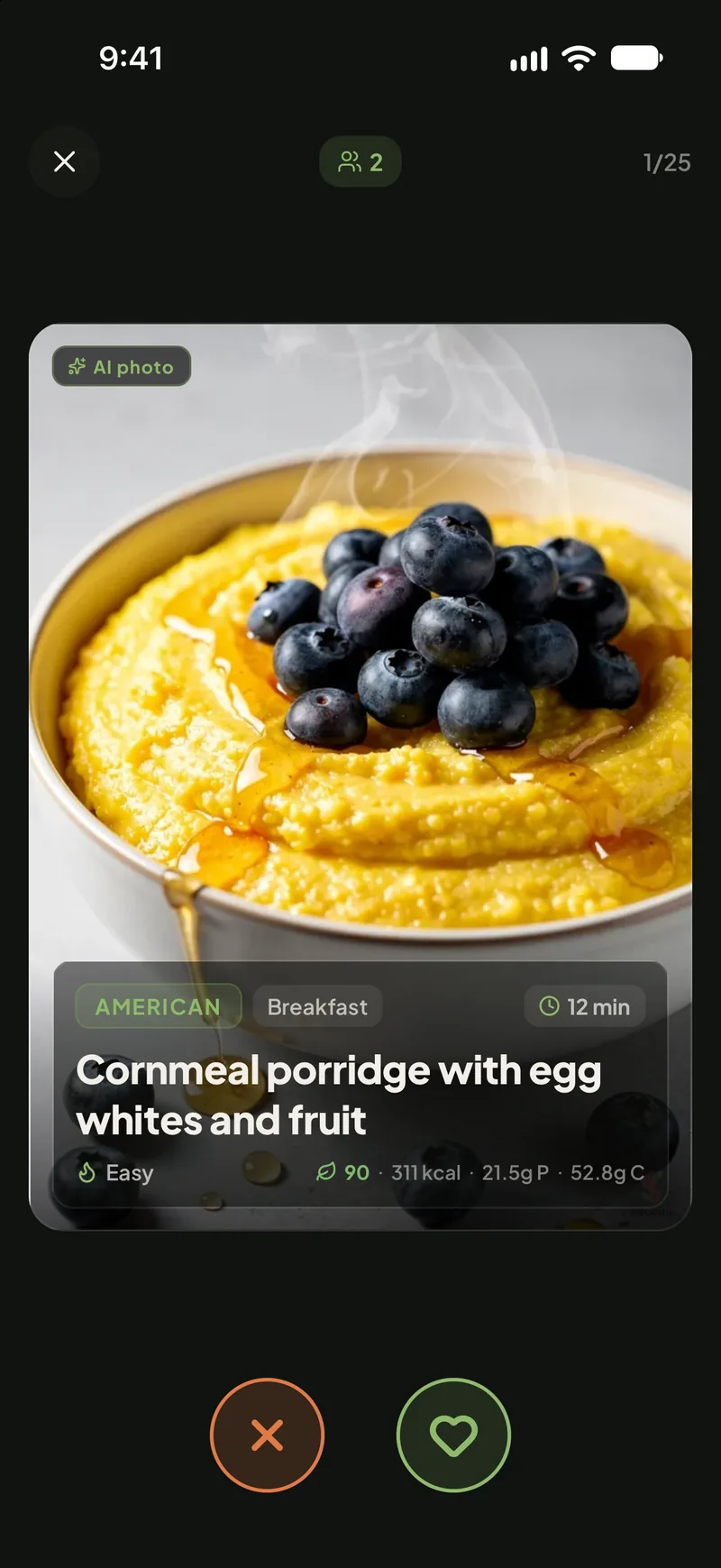
SwipeBoth of you swipe the same recipes, each on your own phone. 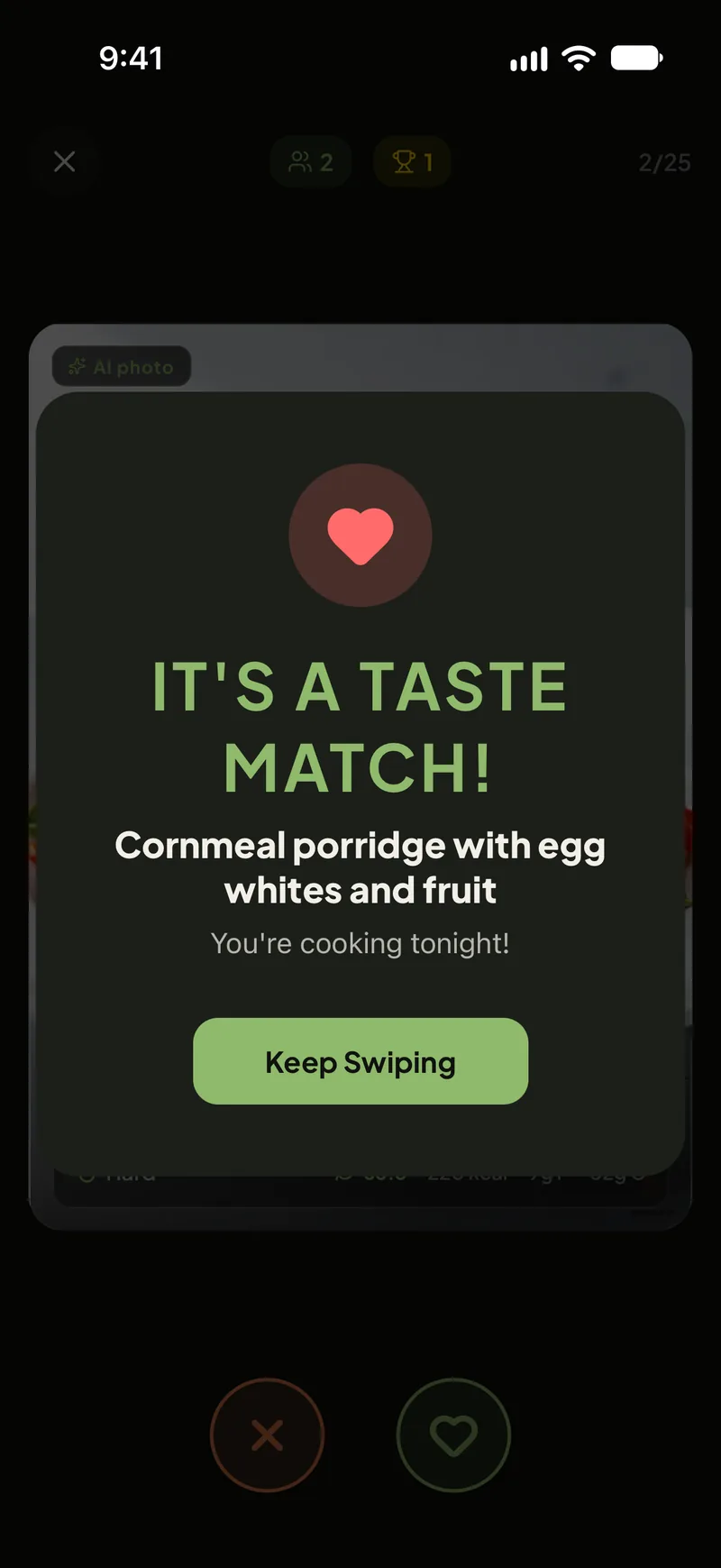
MatchA dish you both liked becomes tonight’s match. 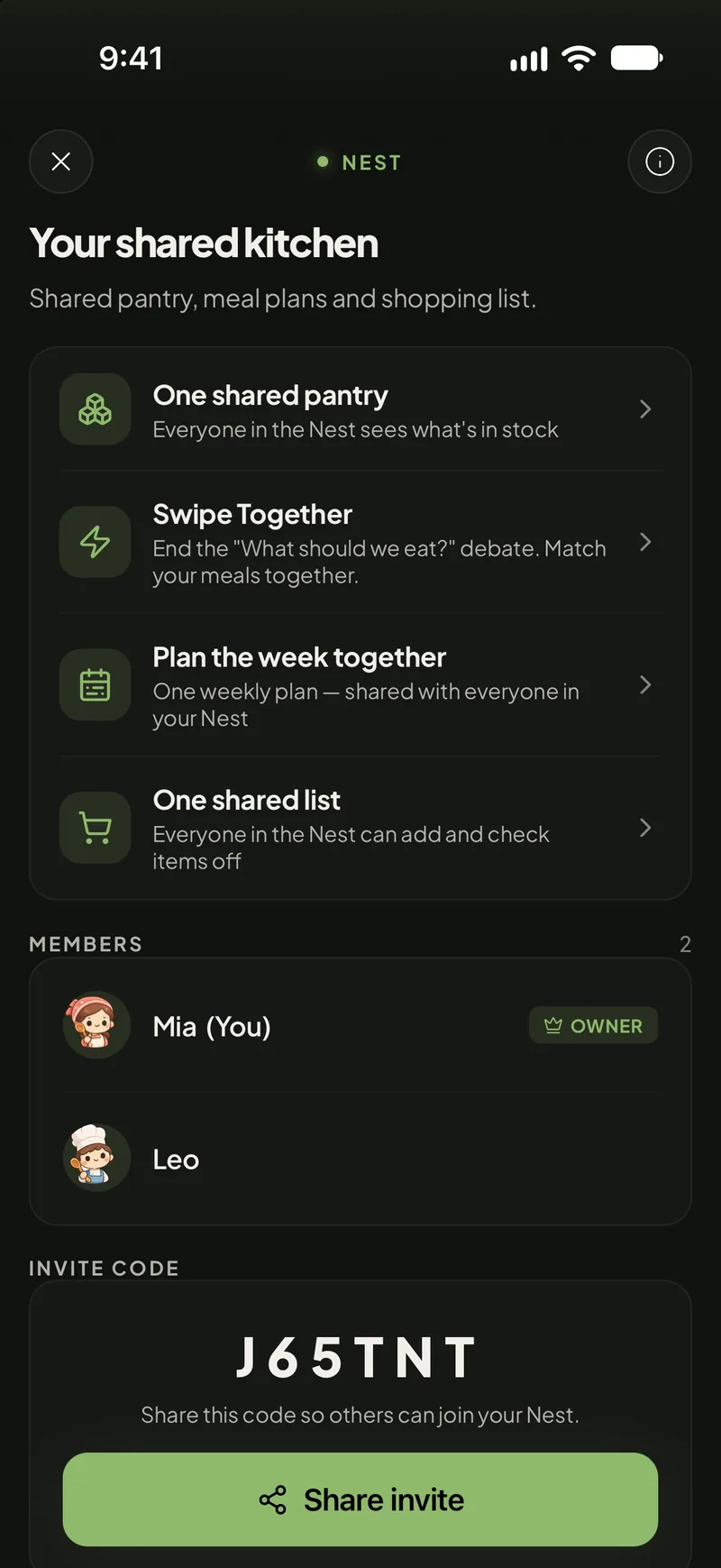
ShareA Nest keeps the pantry, the plan and the shopping list in one place.
- Same dishes, two phones
- In Swipe Together each of you swipes the same recipes on your own phone. Only a dish you both like becomes a match.
- A kitchen you share
- A Nest is a shared pantry, weekly plan and shopping list for the people in your home — up to 6 of you.
- Who pays for what
- Starting a Swipe Together session or a Nest takes Swoodie Lite or Premium on one phone; joining is free. There is no single plan for two.
Get Swoodie on iOS or Android and decide dinner together.
Stop asking “what’s for dinner?” every night
Deciding what to cook is the most repeated question in any kitchen — and it’s even harder when two people have to agree. This free swiper turns it into a few quick taps: swipe through dinner ideas, keep the ones that appeal, and get a shortlist you can cook tonight. Swiping together? You’ll only see the meals you both said yes to, so there’s no more “I don’t know, what do you want?”
A taste of what you’ll swipe through
- Thai Chicken & Coconut Curry
- Mushroom Risotto
- Baja Fish Tacos
- Garlic Butter Steak with Green Beans
- Panjabi Dhal
- Spicy Tuna Bibimbap
- Creamy Chicken & Mushrooms
- Moroccan Chickpea Stew
- Greek Lamb Chops with Feta Salad
- Shakshuka
- Beef & Broccoli Stir-Fry
- Grilled Mackerel with Green Salad
- Crispy Tofu Pho
- Caribbean Jerk Chicken
- Spanish Garlic Chilli Shrimp
- Tofu & Vegetable Stir-Fry
- Brazilian Pork & Quinoa Stew
- Smoked Salmon with Potatoes & Greens
- Miso-Peanut Soba Noodle Bowl
- Turkey & Juniper Cream Soup
- Berbere Tempeh Tibs
- Baked Salmon with Asparagus
- Cheese & Tomato Grilled Fish
- Polish Dumplings
Frequently asked questions
- What is the “What’s for dinner?” tool?
- It’s a free recipe swiper. Swipe right on dinners you’d happily eat and left on the ones you wouldn’t, and you’ll get a shortlist of meals to cook tonight — no account, no sign-up.
- How does matching with my partner work?
- Choose “Together, now” and both of you swipe on the same phone — we then reveal only the dinners you both liked. Or choose “Send a link” and your partner swipes on their own phone; their device shows the meals you both want.
- Is it really free?
- Yes. The swiper is completely free and works right in your browser. Nothing is stored and you never need to create an account.
- Where do I get the full recipes?
- Open Swoodie to get the full recipes, calories and macros — free to start in the app. For a shared meal plan, one of you starts a Nest with Swoodie Lite or Premium; the other joins free.